This Tech Tip provides step-by-step guidance on connecting a Bluetooth headset to a Grandstream GRP24XX series VoIP desk phone. Bluetooth pairing allows users to take advantage of hands-free calling, improving comfort and mobility in office environments. The instructions assume that both the desk phone and headset support Bluetooth functionality.
Requirements
- A Grandstream GRP24XX series desk phone
- A Bluetooth headset
Phone Programming Steps
Perform the following steps from the desk phone:
- Press the Menu button (the round center button).
- Press the System softkey.
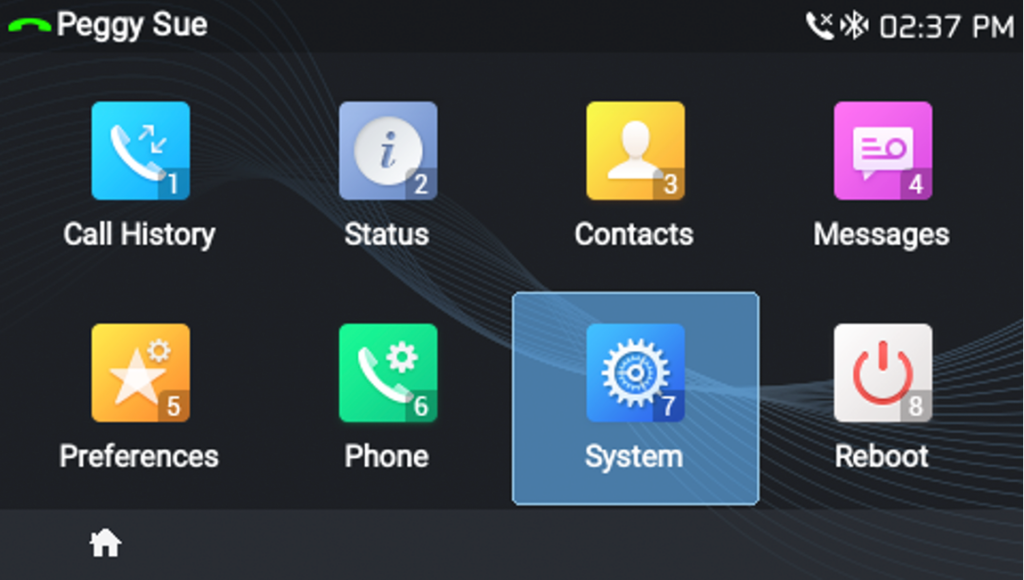
- Press the Bluetooth softkey.

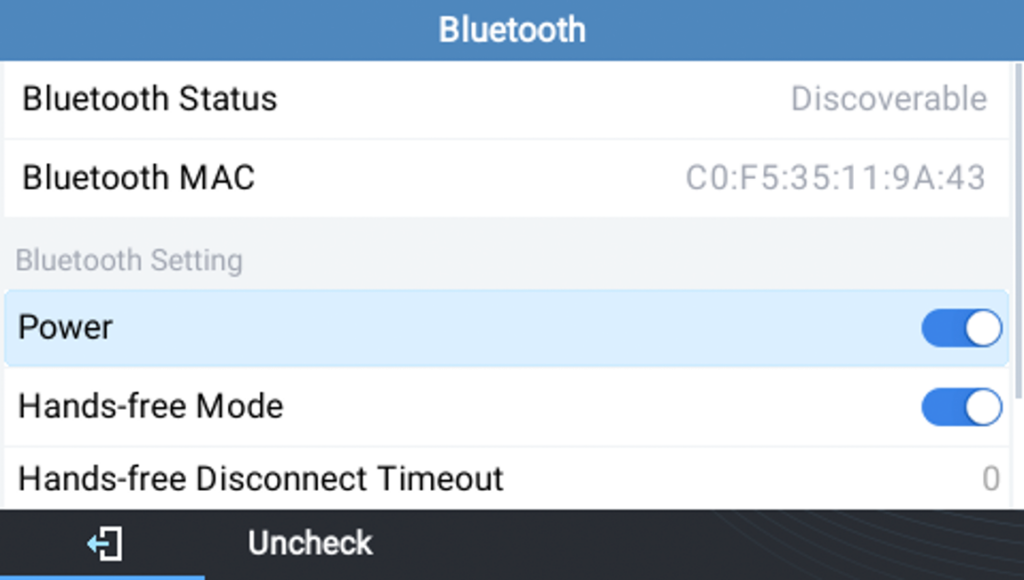
- Toggle on Power and Hands-free Mode.
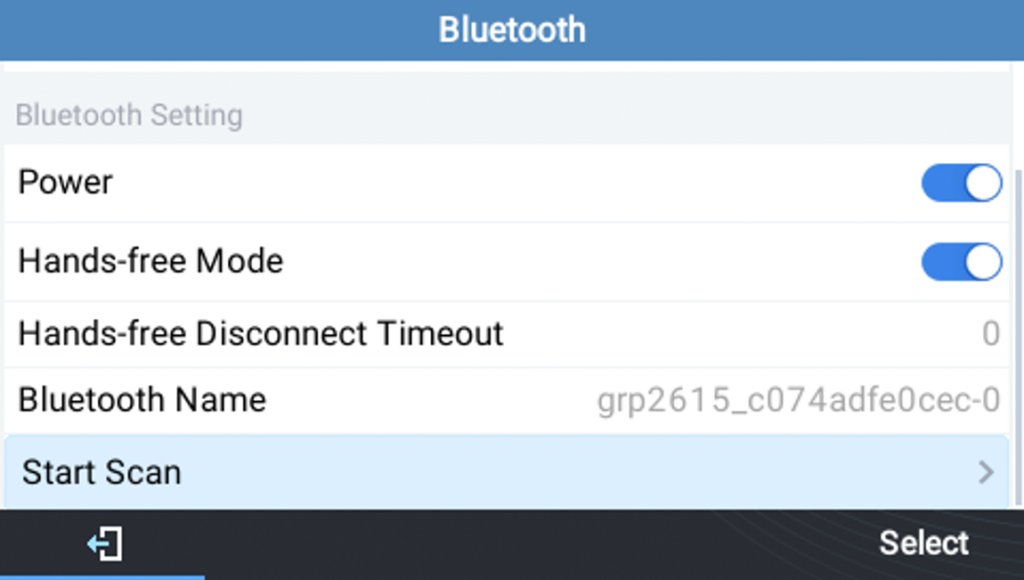
- Put your Bluetooth headset into pairing mode.
Refer to your headset’s manual if you’re unsure how to do this. - On the phone, scroll to Start Scan and press the Select softkey.
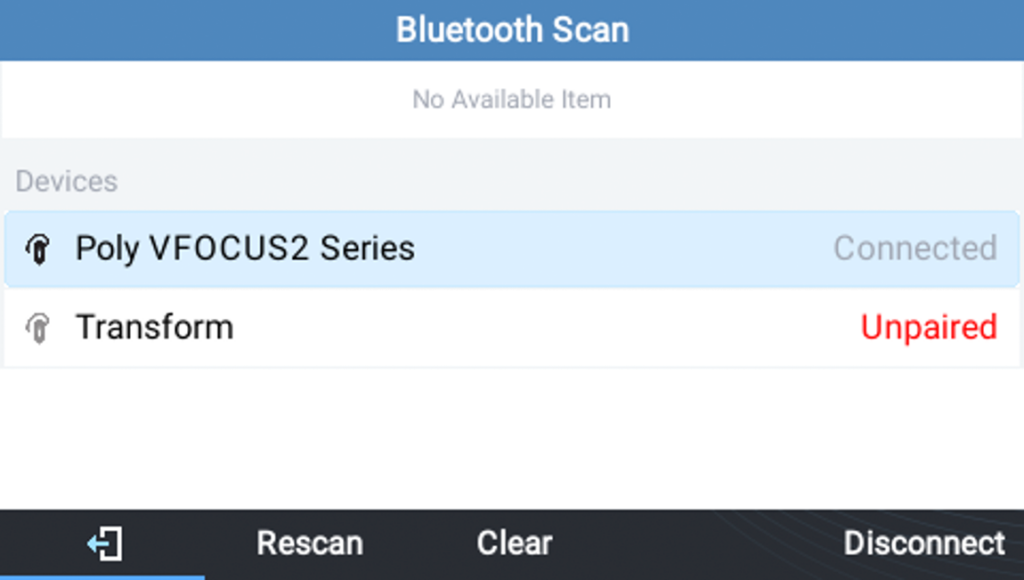
- The phone will scan for nearby Bluetooth devices.
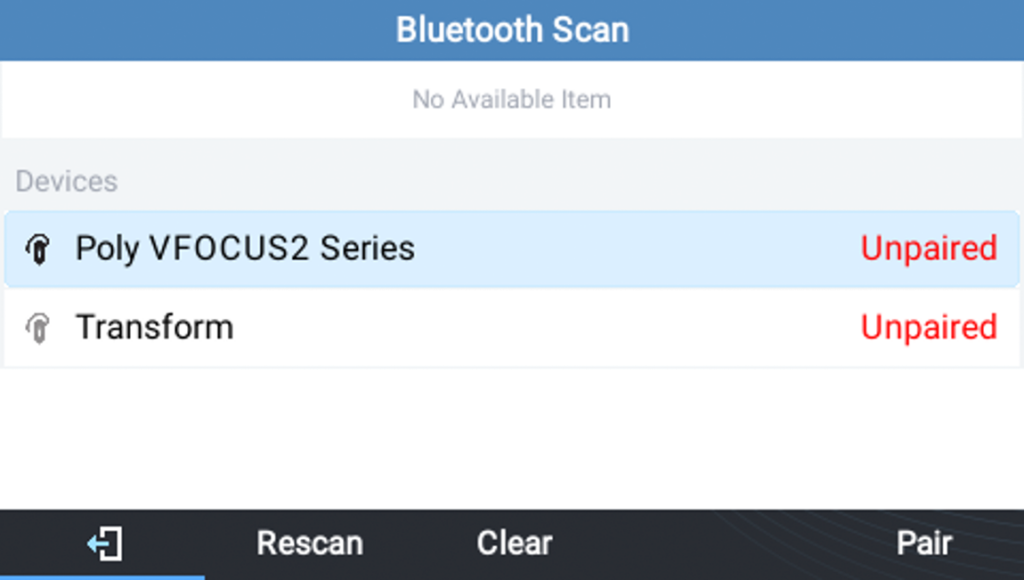
- When your headset appears, select it from the list and press the Pair softkey.
When the status changes to Connected, the headset is paired and ready to use.